

- Brand Name: EMEET
- Origin: Mainland China
- Zoom type: Digital zoom
- High-concerned chemical: none
- Max. Resolution: 3840×2160
- Certification: CE, FCC
- Pixels: 8 Mega
- Auto Focus: Yes
- Interface Type: USB
- Package: Yes
- Image Sensor: CMOS
- FOV: 73°
- Choice: yes
Description:
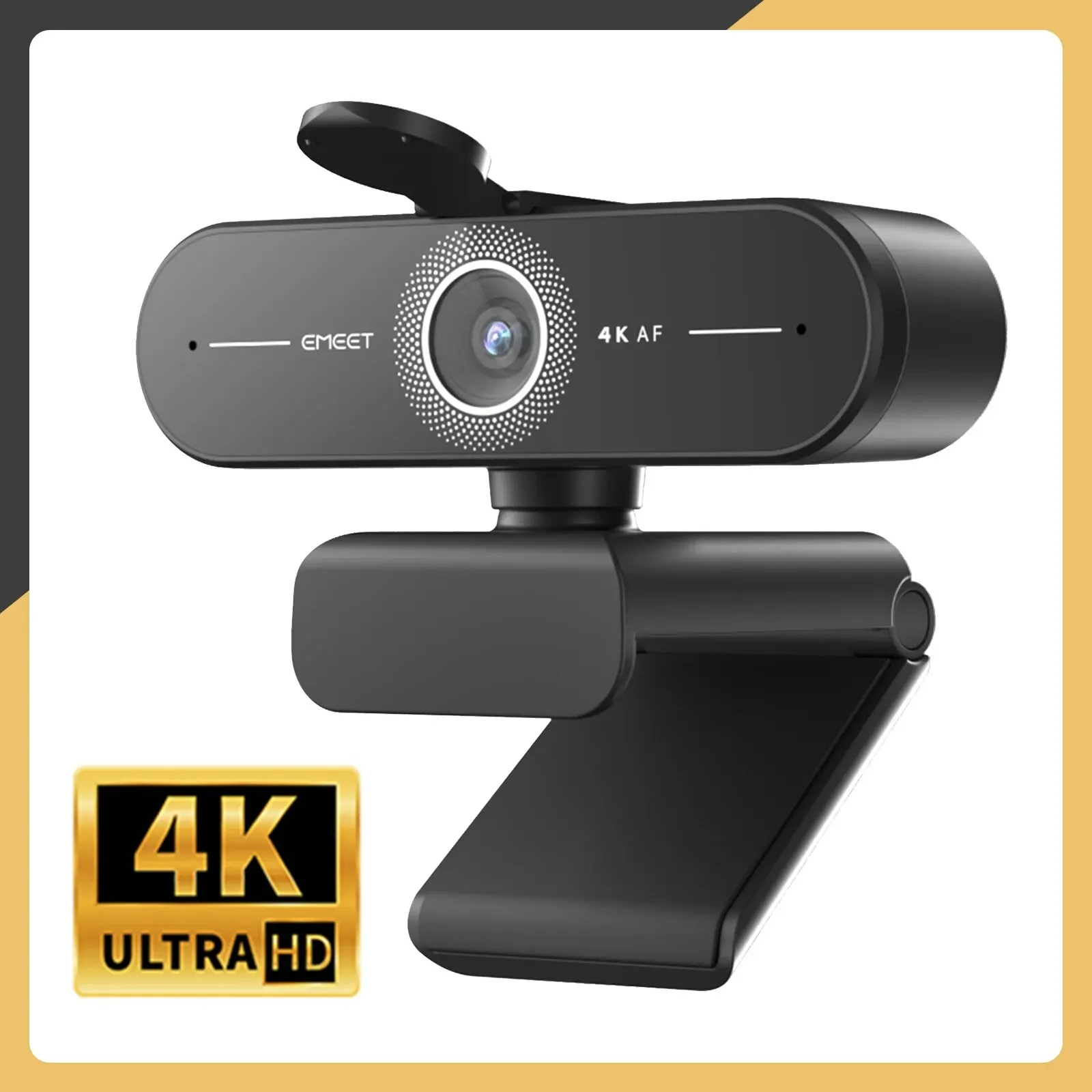
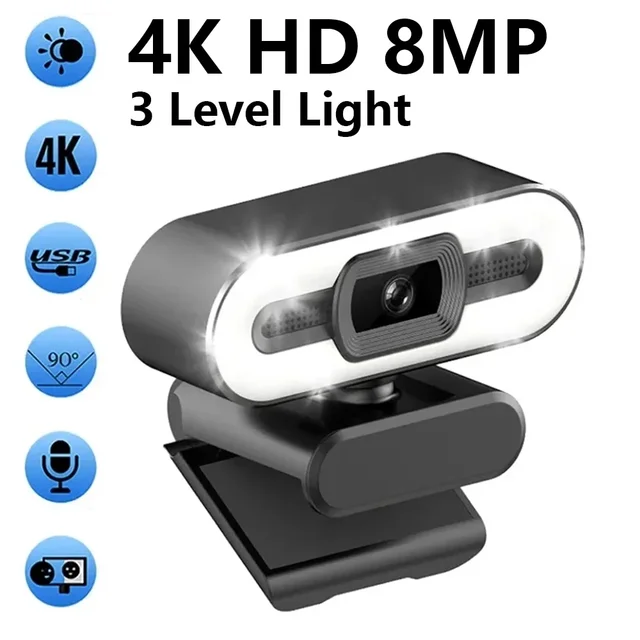
Ultra 4K Streaming Image for Live Streaming. EMEET C60E 4K Webcam delivers immersive live visuals with crisp 4K resolution at 30FPS powered by a 1/2.8" CMOS sensor. Designed specifically for streamers, gamers, and creators who rely on real-time interaction, it delivers sharp details, natural colors, and smooth motion throughout every live broadcast.
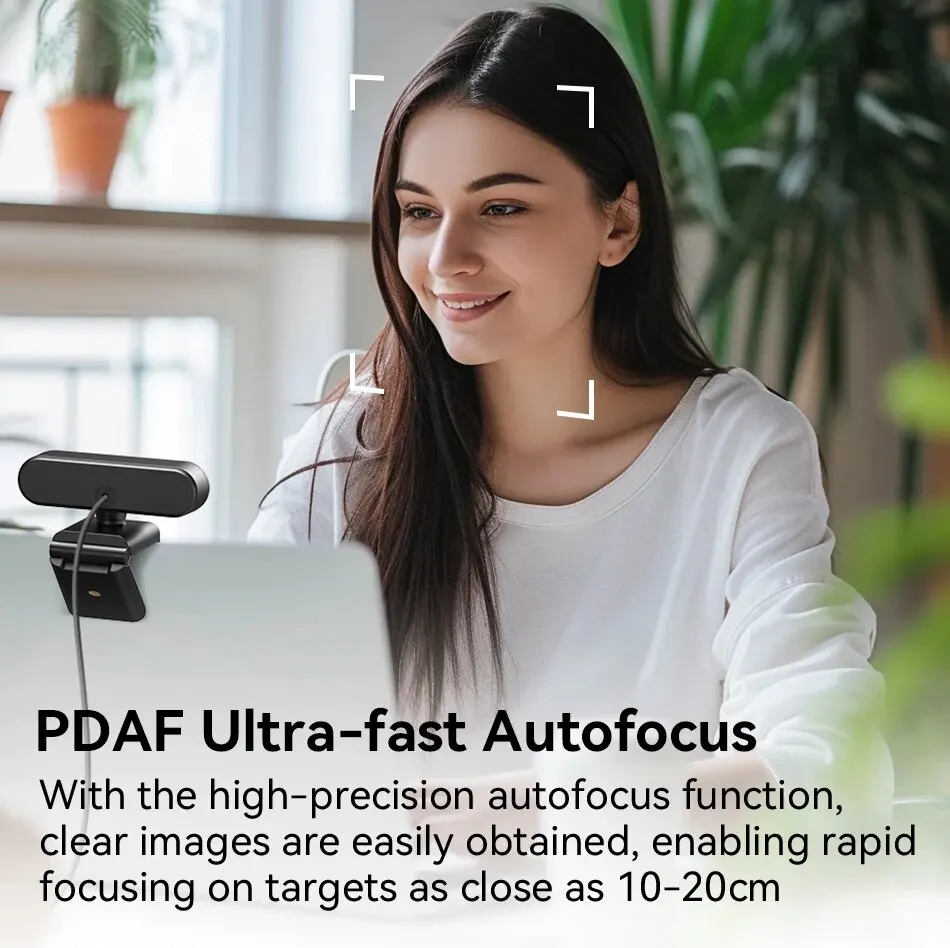
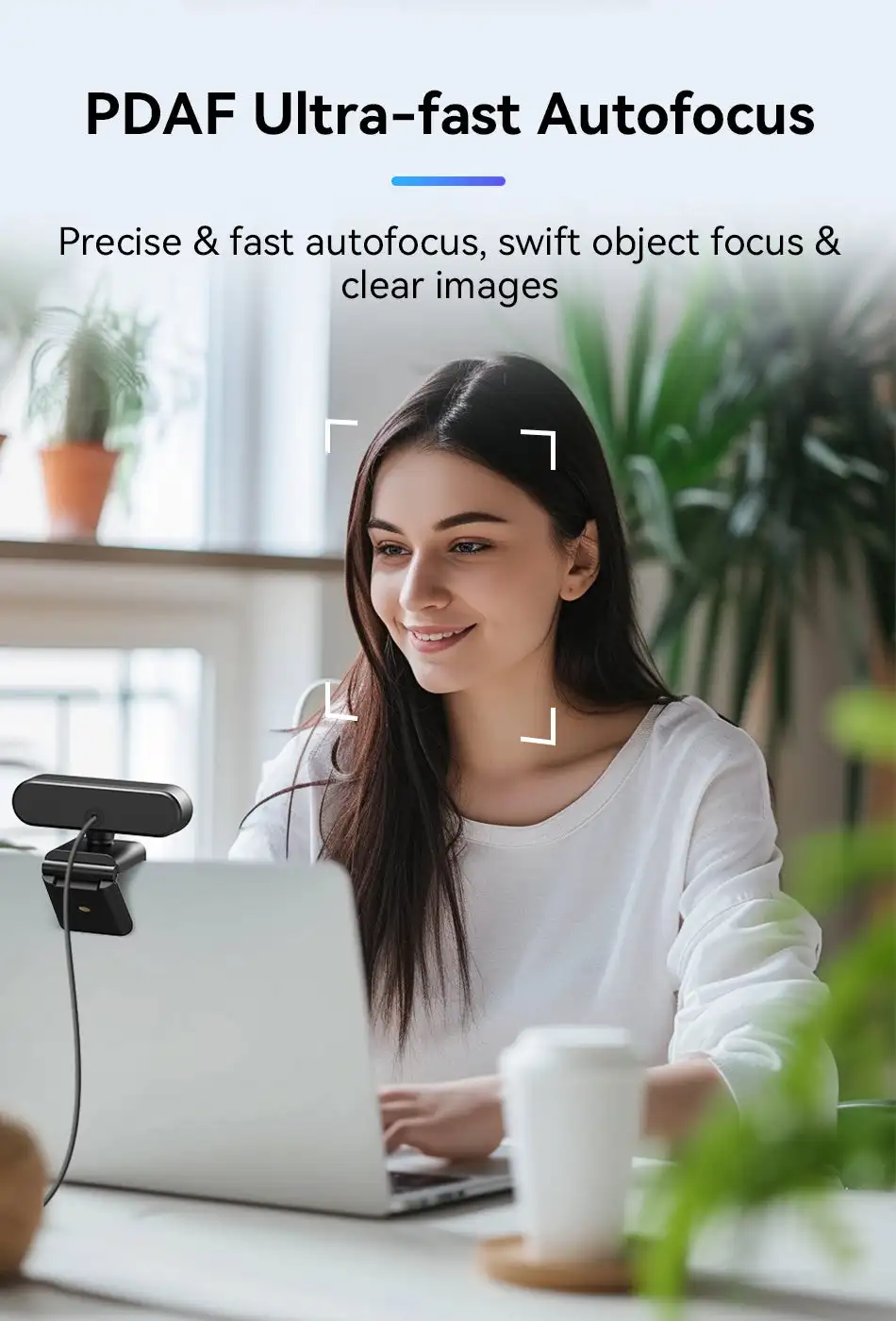
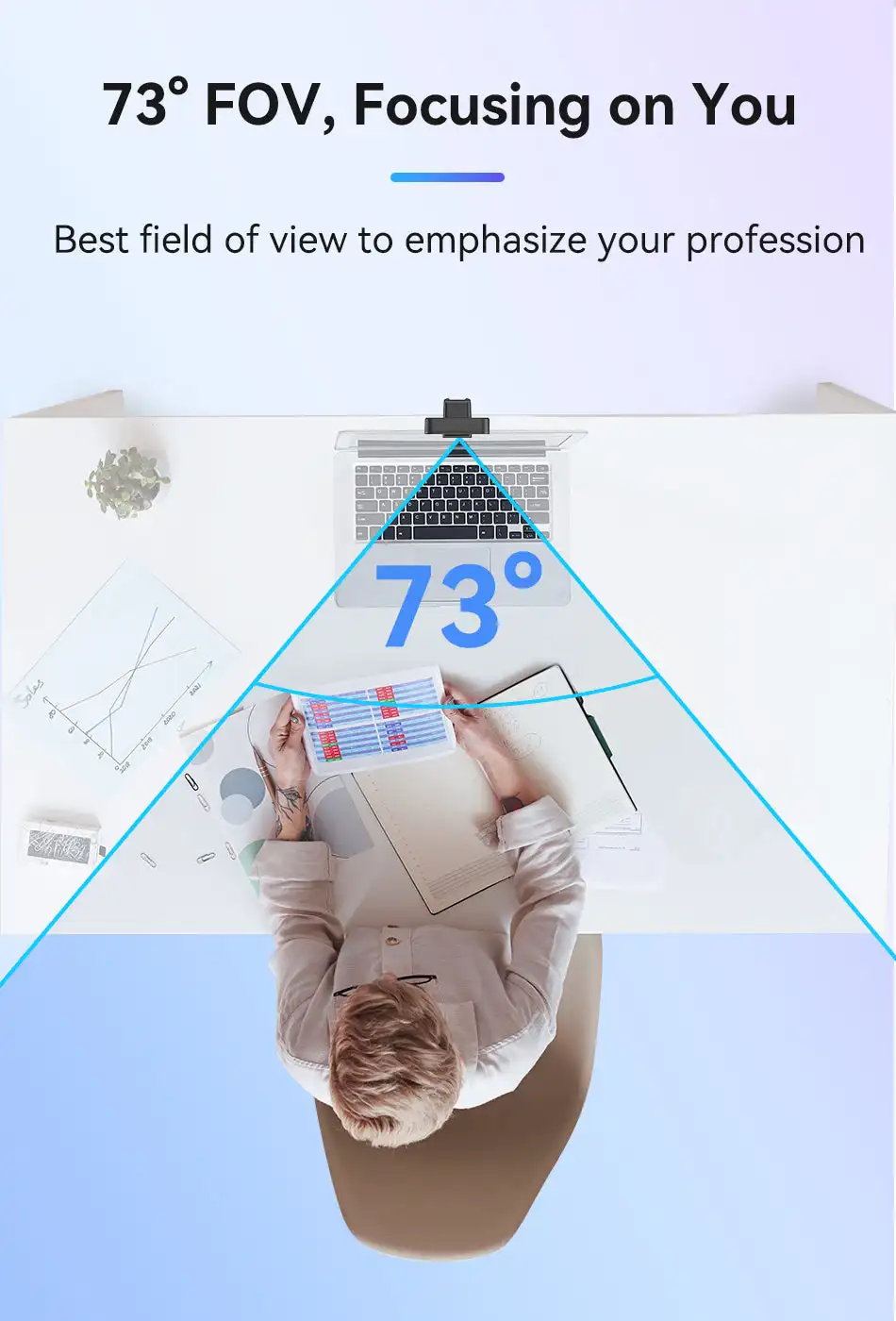
Fast PDAF Autofocus That Stays Sharp When You Move. Unlike basic fixed-focus or slow autofocus webcams, the EMEET C60E 4K Webcam uses PDAF autofocus to lock focus instantly and remain sharp as you move or gesture on camera. Automatic light correction balances exposure in changing environments, while the fixed 73° FOV keeps framing natural and distraction-free.
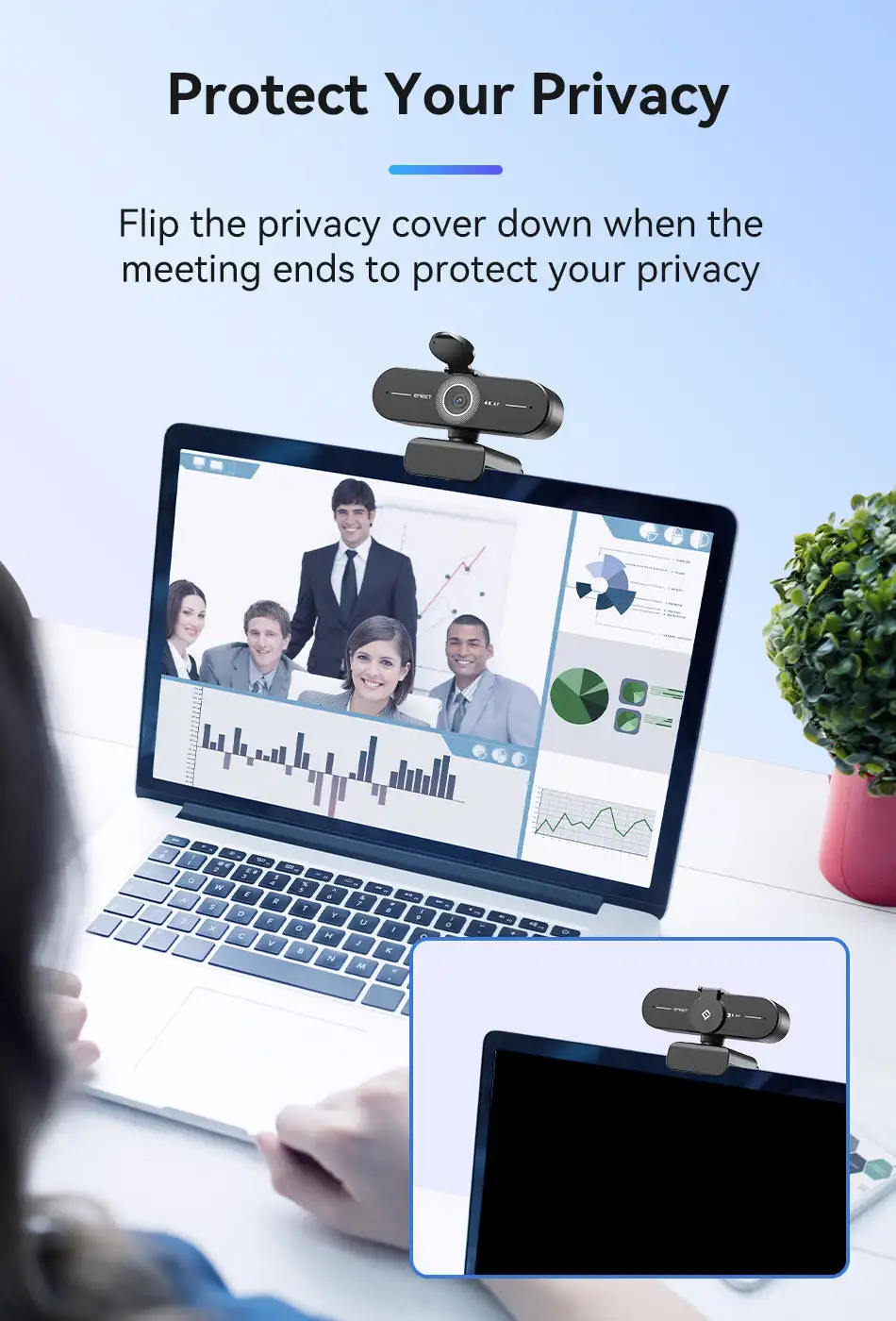
Clear Voice Pickup with Physical Privacy Protection. Two built-in microphones capture clear, natural voice within a recommended distance of up to 8 ft, ideal for streaming, podcasts, and live calls. A physical flip privacy cover blocks the lens instantly when not in use. With no WiFi, no Bluetooth, no drivers, and no cloud storage, it offers a secure, distraction-free setup.
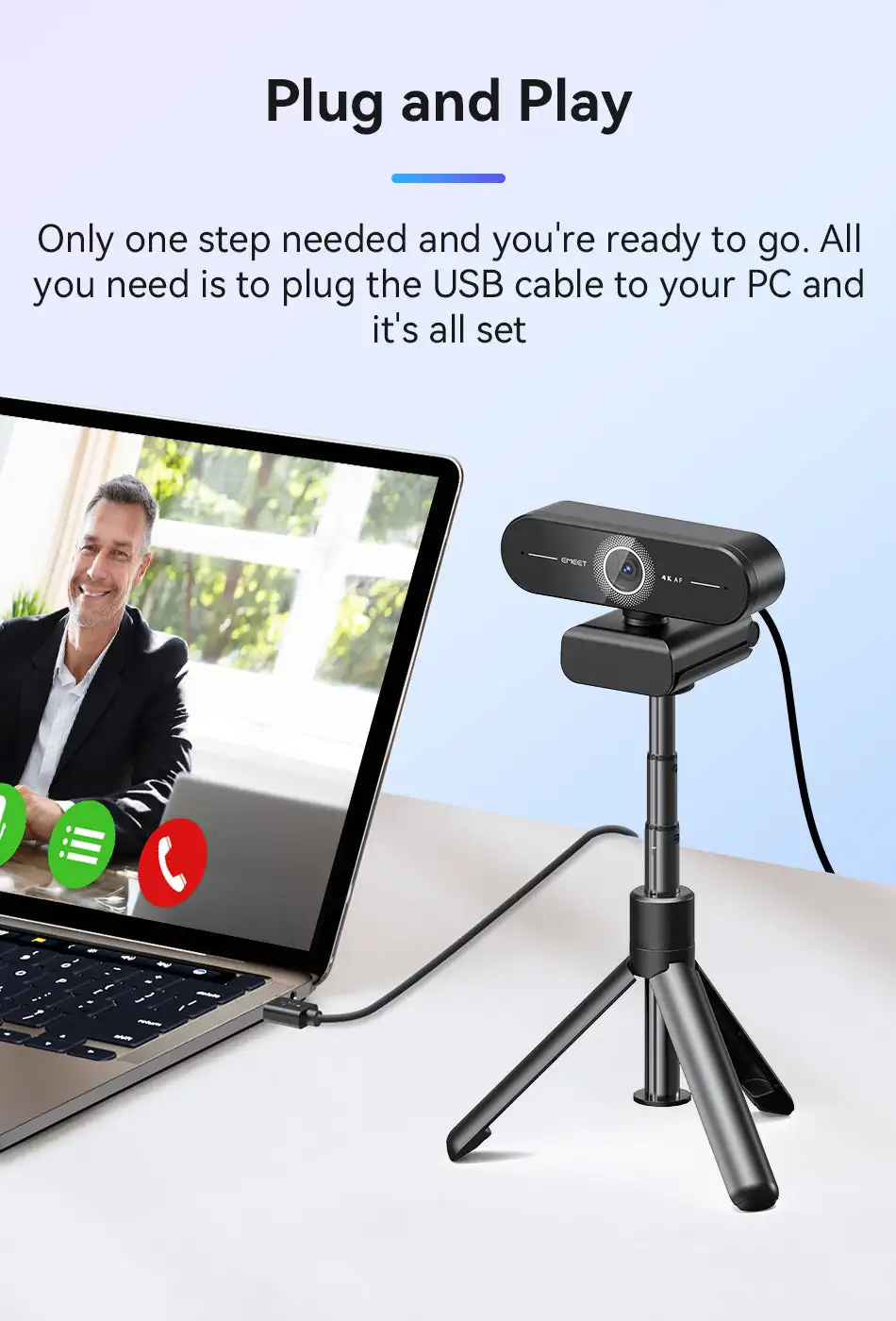
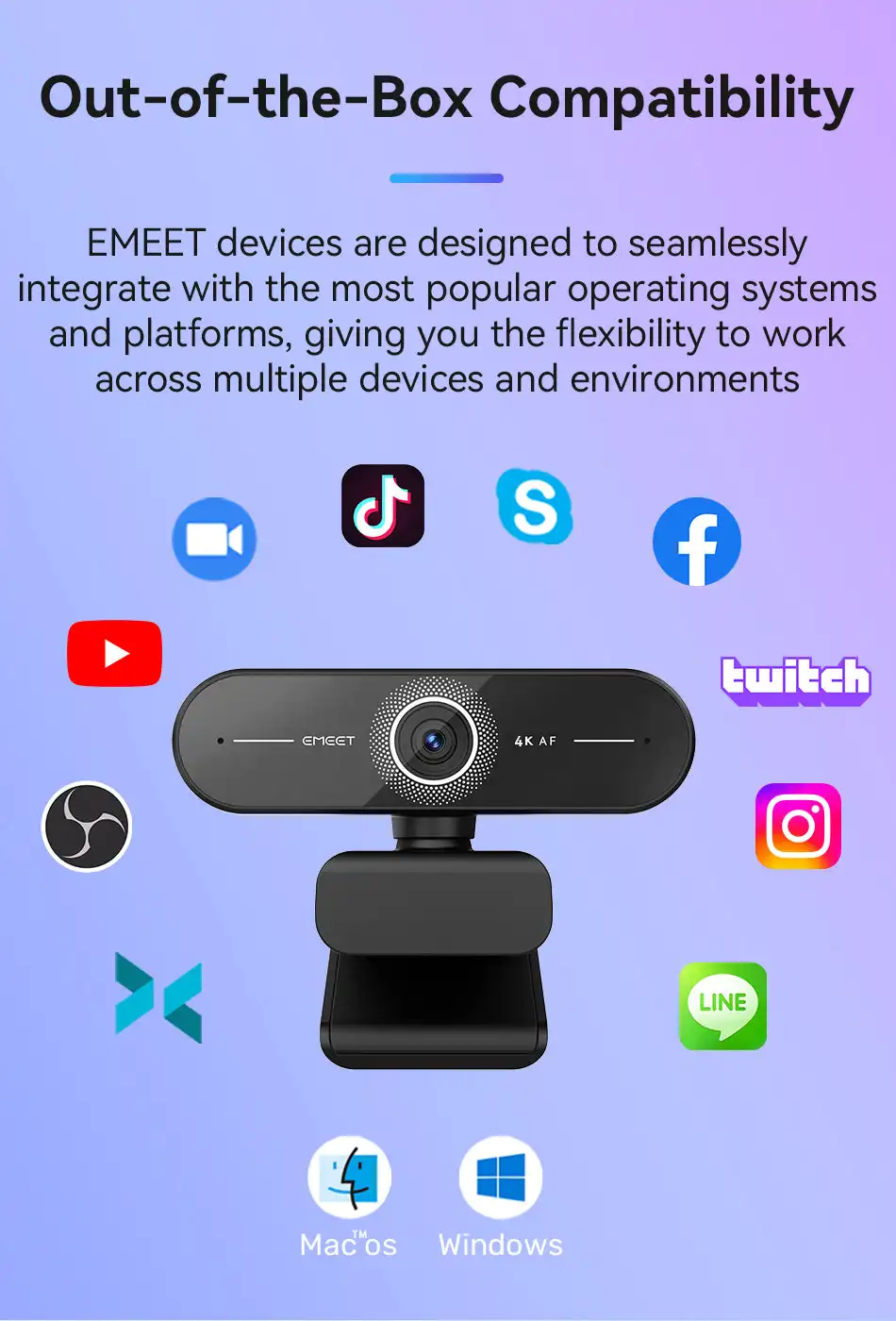
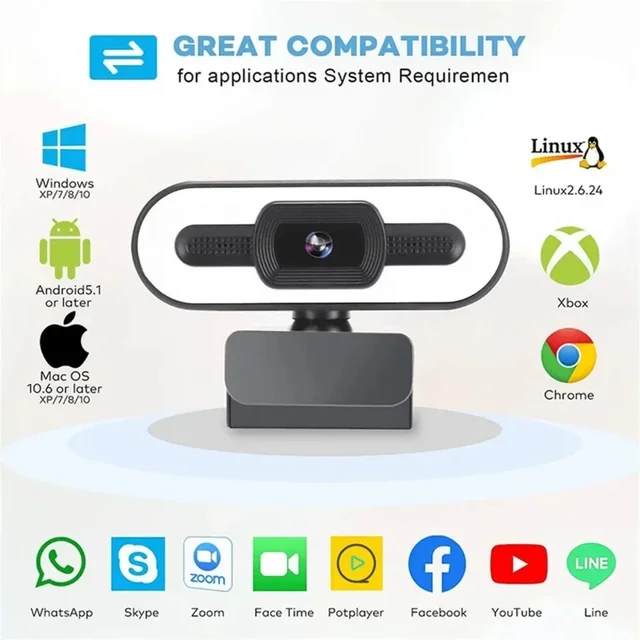
Broad Compatibility with Stable Plug-and-Play Connection. Works seamlessly with Zoom, Skype, Microsoft Teams, Google Meet, Cisco Webex, and more on Windows 10/11 and macOS 10.14+. Connects via USB 2.0 Type-A with a fixed 1.5 m cable for stable power and signal. For best performance, direct connection to a computer USB port is recommended over hubs or docks.
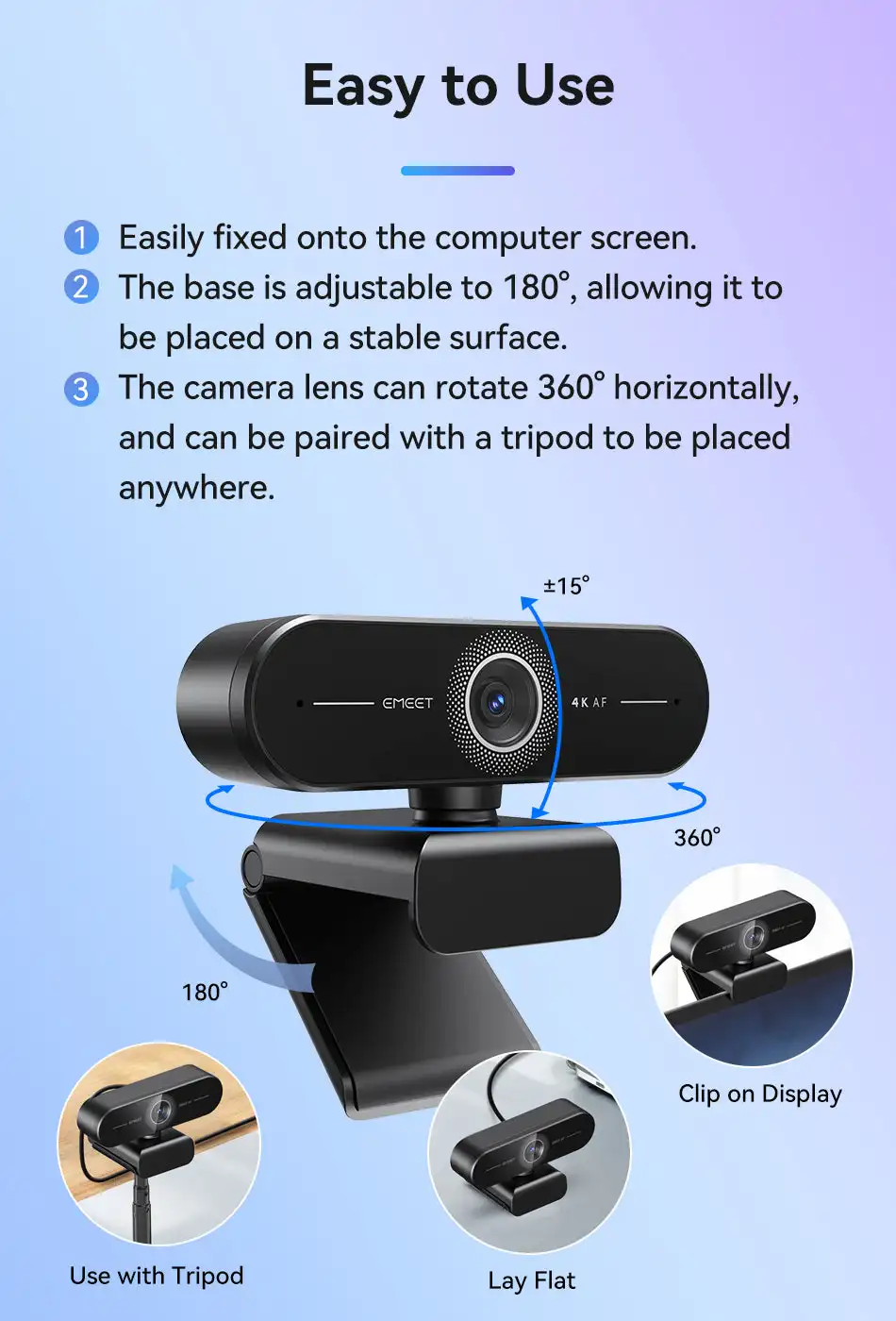
Flexible Mounting for Long Streaming Sessions. Features a universal joint with 360° horizontal rotation, ±15° vertical tilt, and a 180° adjustable stand for precise framing. A standard 1/4'' mount supports tripods (sold separately). Reinforced joints and a rubberized clip keep the camera stable and secure during long streaming or gaming sessions.
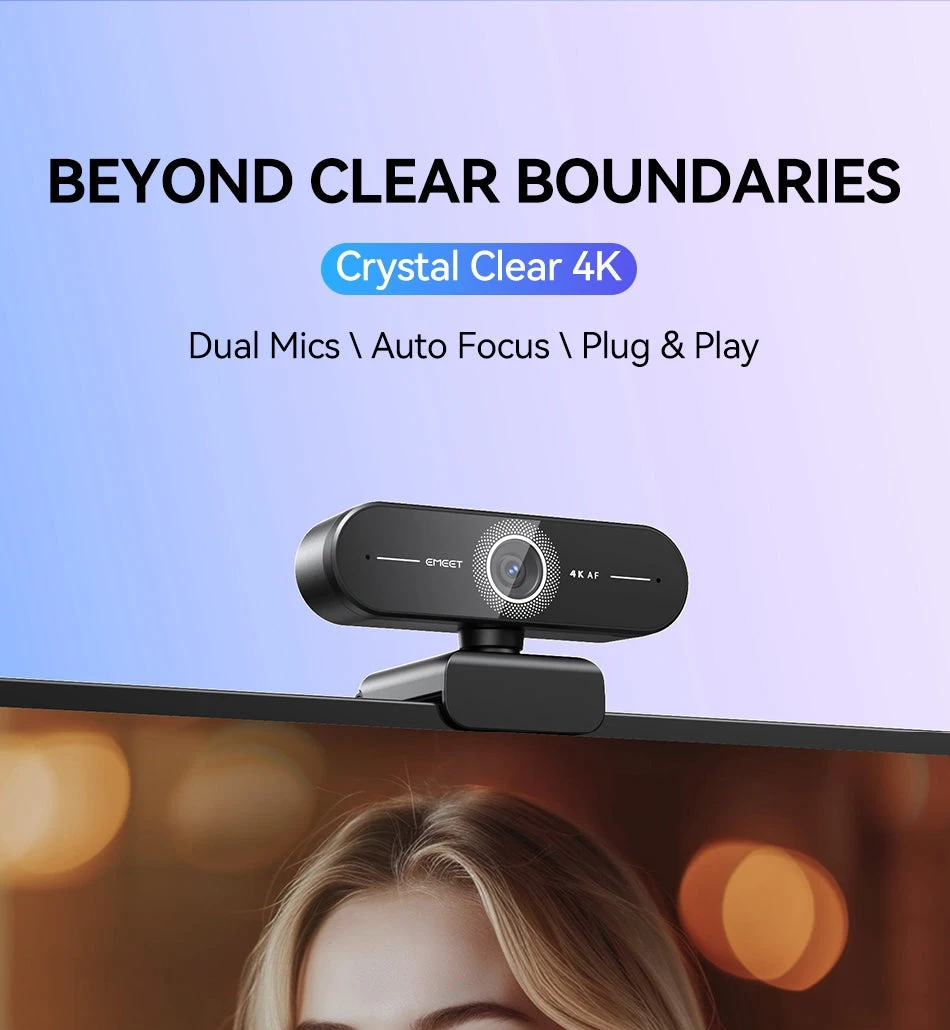
Crystal Clear Presence
The ultra-clear resolution of this PCwebcam ensures sharp clarity, making a lasting impression in everyhigh-quality video call with peers or superiors
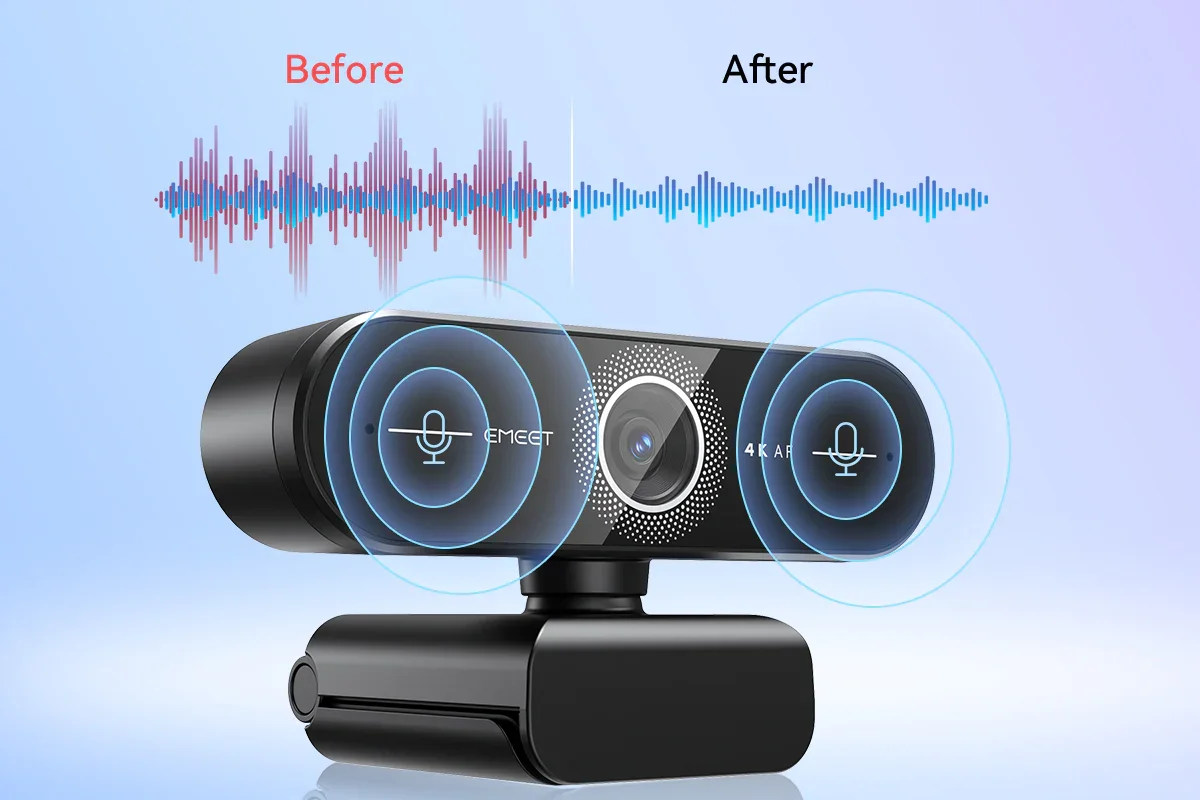
2 Noise-Reduction Microphones
Built-in dual mics reduce noise, enhancing voiceclarity for a superior call quality
PDAF Ultra-fast Autofocus
Precise & fast autofocus, swift object focus & clear images
73° FOV, Focusing on You
Best field of view to emphasize your profession
Plug and Play
Only one step needed and you're ready to go. Allyou need is to plug the USB cable to your PC andit's all set
Protect Your Privacy
Flip the privacy cover down when themeeting ends to protect your privacy
Easy to Use
With the 180° adjustable base, the 360° rotatable head and the 1/4" tripod thread, you can use it anyway you like, either clip it on your monitor or simply mount it on a tripod
Out-of-the-Box Compatibility
EMEET devices are designed to seamlessly integrate with the most popular operating systemsand platforms, giving you the flexibility to work across multiple devices and environments.
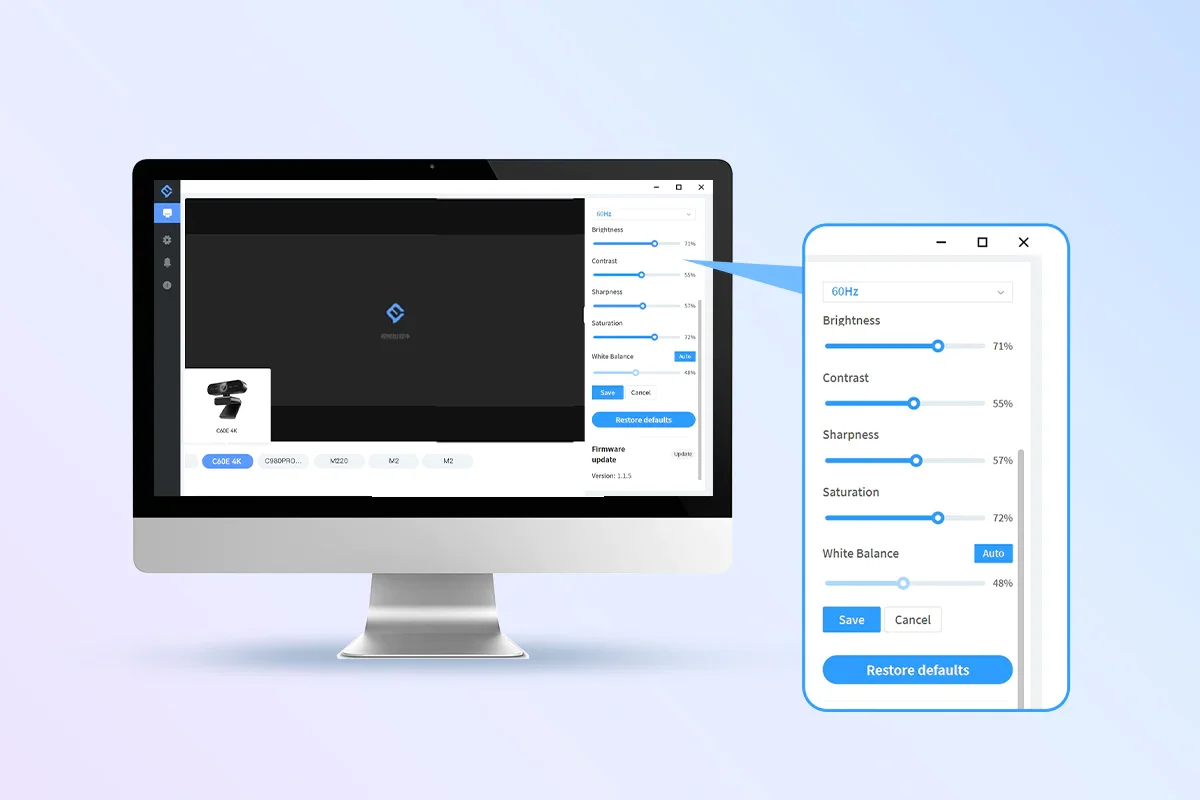
Better with EMEETLINK
Change parameters and upgrade firmware to let it get smarter, easily manage your EMEET devices with EMEETLINK.
Specifications:
Focus: Auto Focus
FOV: 73°
Microphone: 2 Noise-Canceling Mics
Privacy Cover: Physical Flippable Privacy Cover
360° Rotatable Head: Yes
FAQ:
Q1: How do I use a USB Webcam?
A1: Plug the USB-A connector into your computer, the device will automatically turn on.
Then open the software you want to use, and select the EMEET device. The device status indicator will turn blue.
Q2: How to install the device on the PC?
A1: Place your webcam on a computer, laptop, or monitor at a position you desire.
Unfold the universal clip so it fits the top of your monitor or laptop screen.
Manually adjust the webcam up/down to the best position to frame yourself.
Q3: How long is its USB cable?
A1: The cable length is between 1.4 and 1.5 meters.
Q4: What kind of interface is it?
A1: Its USB cable is non-detachable and has a USB-A port. If your computer does not have a USB-A port, you will need an adapter to connect and use it.
Q5: What is its maximum resolution? Why can I only select 2K?
A1: The maximum resolution of the C60E 4K is 3840×2160, which is 4K quality. If you cannot select this resolution, it's possible that your computer has Microsoft Virtual Camera activated, thus limiting the resolution selection of external cameras.
You can disable it by following these steps: In "Settings – Bluetooth & Devices – Cameras," find EMEET SmartCam C60E 4K, then scroll down to "Advanced camera options" and click "Edit." Ensure that both functions under this tab are turned off, and finally click "Apply."
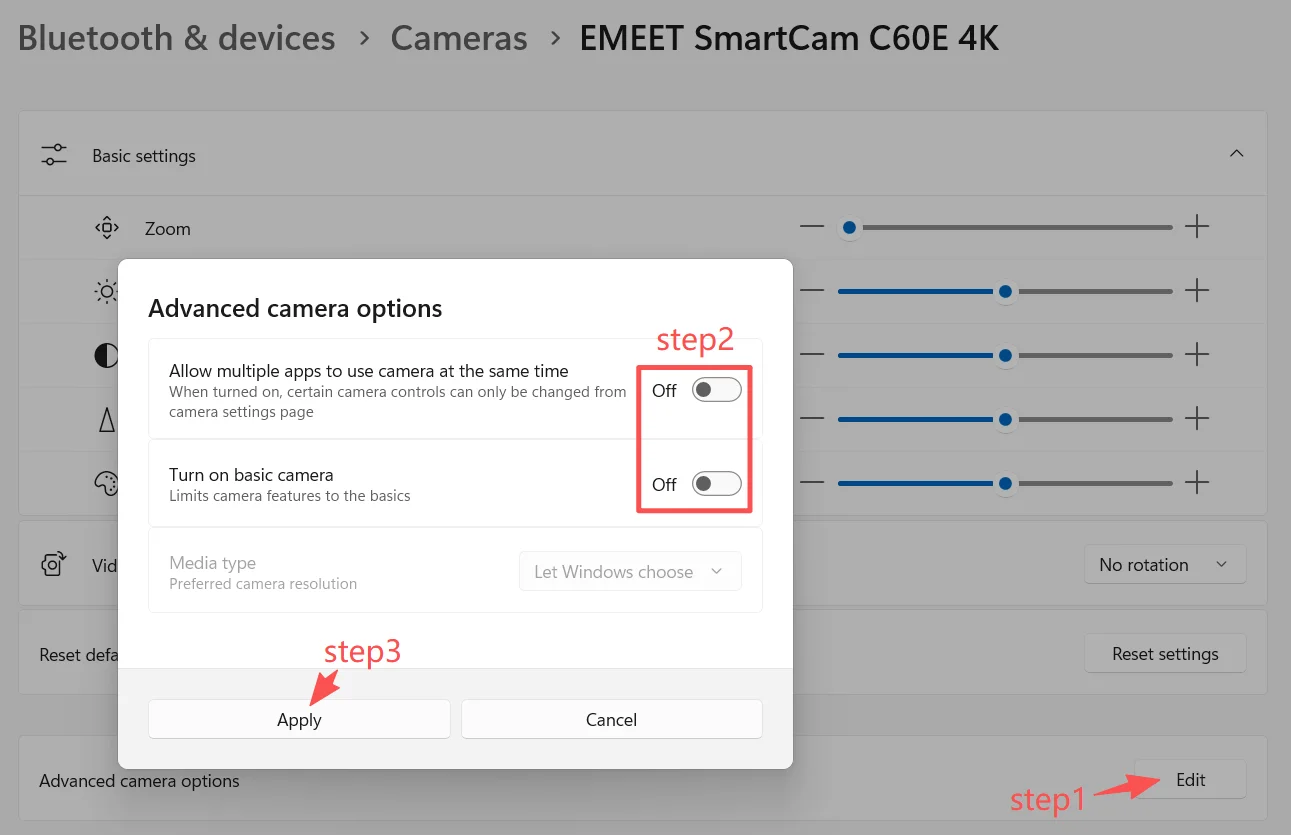
After completing these steps, you should be able to select the 3840×2160 resolution in your computer's local camera/OBS or other third-party software that supports resolution adjustment.
Note: Please choose the product SKU with the desired resolution for your purchase.








Reviews
There are no reviews yet.